Five tips for making amazing GoPro sports videos
If you own a GoPro and have a child who plays sports, you have probably thought about filming their games. Whether your athlete is hoping to play in college or you simply want to share a few highlights with family, nothing captures the moment like video. These five tips will help you get the most out of a GoPro on the sideline.
Editor's note: This article was written before the launch of the GoPro MISSION 1, which records in 8K. For how 8K changes sideline footage compared with the 5K we discuss below, see our GoPro MISSION 1 article.
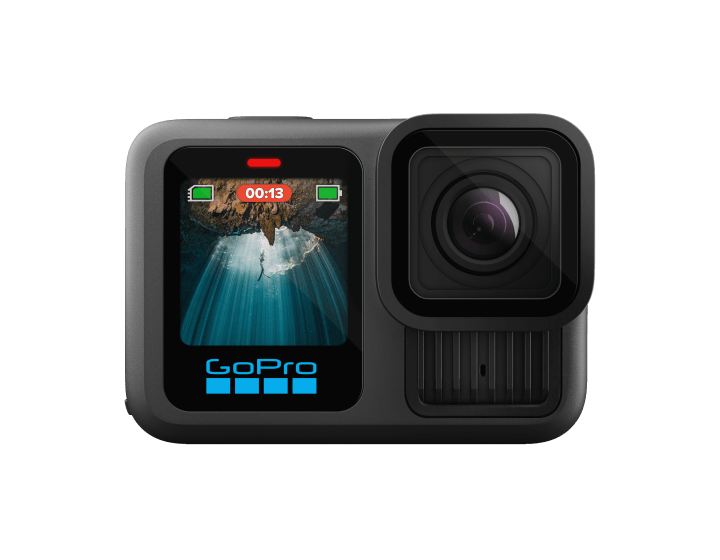
1. On large fields, record in 5K
The first thing you notice when you film a game with a GoPro's wide-angle lens is how small the players become once they move to the far side of a large field, such as a full-size soccer pitch. From that zoomed-out view, the action is hard to follow.
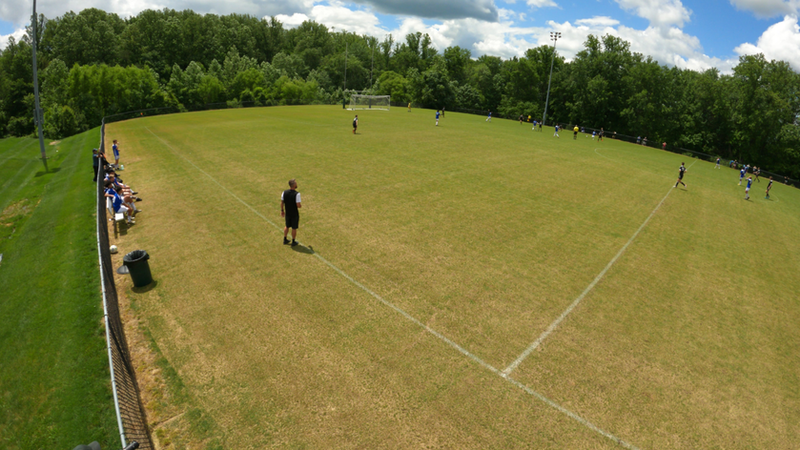
The good news is that modern GoPro cameras have very high resolution, so you can zoom in on the action. If you plan to steer the camera by hand, you can increase its digital zoom or choose a narrower digital lens. If the GoPro will sit on a fixed mount, you can zoom in afterward in a video editor instead. Depending on where the players are, we usually zoom in by 30 to 100 percent.
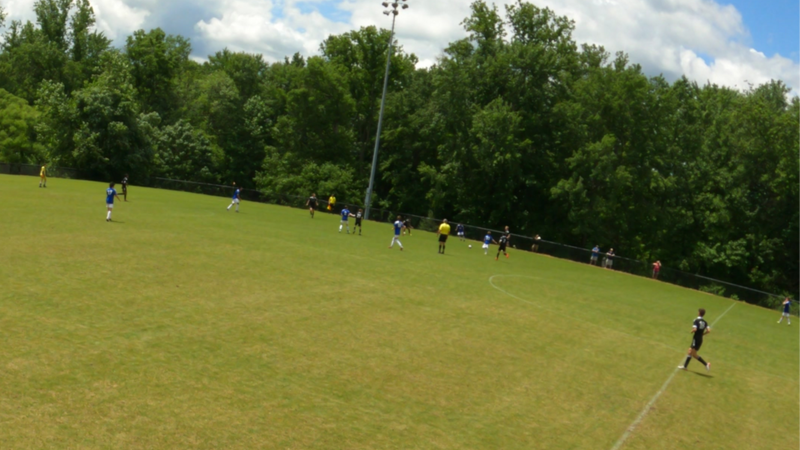
The catch is that the image distorts more the further you zoom in. We have found that when you record in 4K on a large field, you can follow the play, but as the zoom approaches 100 percent you often cannot make out faces, jersey numbers, or even the ball clearly. Recording in 5K minimizes that problem. GoPro shines here, offering several cameras that record at 5K or better — more than 5,000 pixels across each frame. The 5K-plus modes on the HERO9, 11, 12, and 13 Black capture almost twice the pixels of 4K (over 15 megapixels versus roughly 8), so zoomed-in footage still holds up.
For soccer and other sports played on large fields, record with a GoPro model that supports 5K.
5K is essential on large fields, but it is not always necessary. On courts such as basketball and volleyball, where little or no digital zoom is needed, 4K works well. The same is true for the smaller fields that younger soccer, lacrosse, and flag-football teams play on.
2. Use a tall tripod
Sports simply look better from above. A higher vantage point lets you see the formations each side is using, the runs players are making, and the overall flow of the game. We strongly recommend mounting your GoPro on a tall tripod. Even ten feet of height makes a noticeable difference, and as the tripod approaches twenty feet the footage takes on a pro-style perspective that makes the action shine.
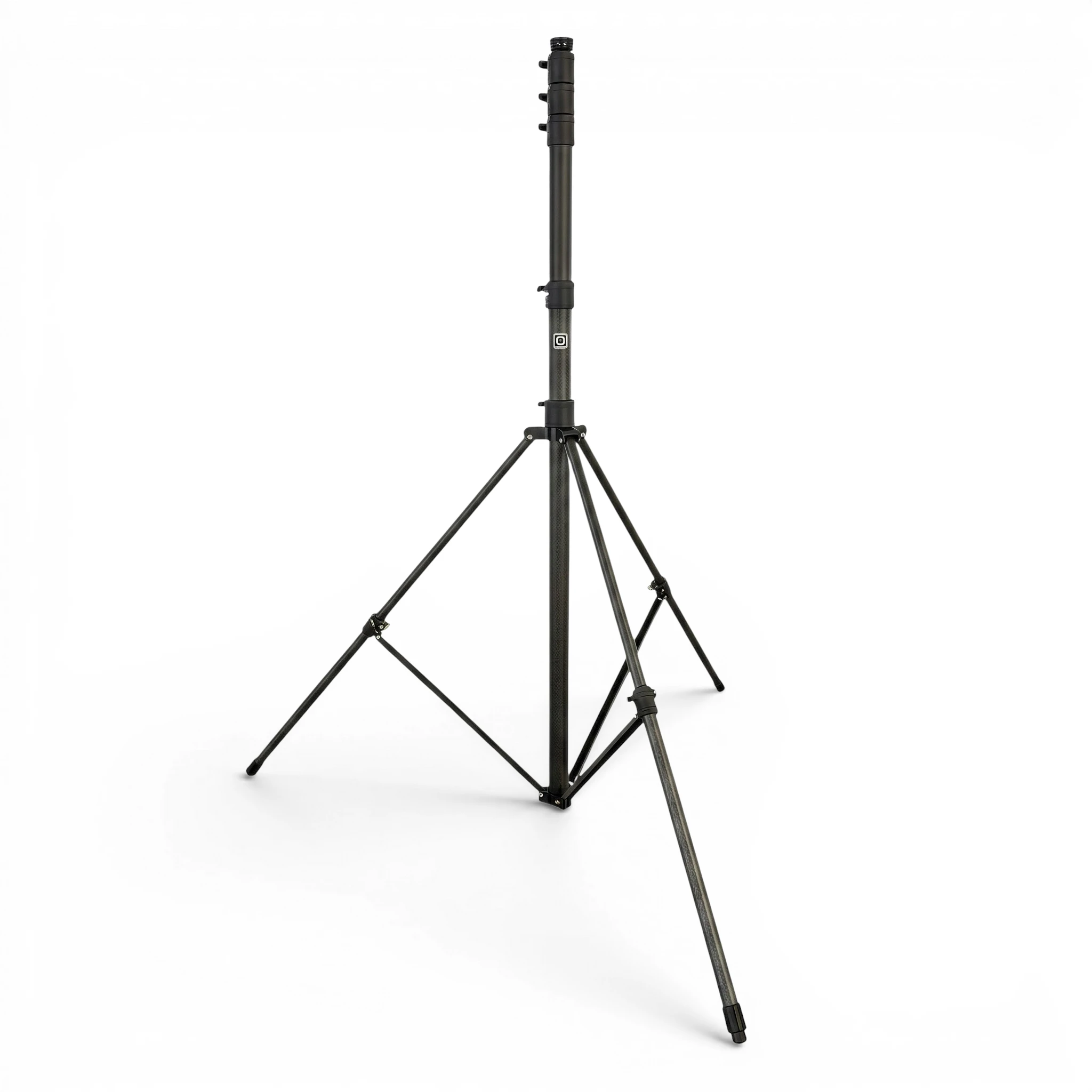
Height has diminishing returns, though. Tripods taller than twenty feet are usually expensive — expect to pay $500 or more for a 24-foot carbon-fiber model. Their collapsed length tends to exceed five feet, so they will not fit in most car trunks, and they often weigh more than 15 pounds, which is a lot to carry on a long walk from the parking lot. Tripods of twenty feet or less are far more practical: more affordable (often $350 or less), typically five feet or shorter when collapsed, and some twenty-foot models weigh under eight pounds.
Balancing the benefit of a higher view against cost, weight, and packed size, we recommend a 20-foot tripod.
3. Two cameras are better than one
Putting a GoPro on top of a tripod raises an obvious question: how do you keep it pointed at the action? A simple answer is to use two cameras, one aimed at each half of the field. Because a GoPro's lens is so wide, two cameras are enough to cover an entire field or court between them. That lets you give the game your full attention and assemble the highlights afterward in a video editor.
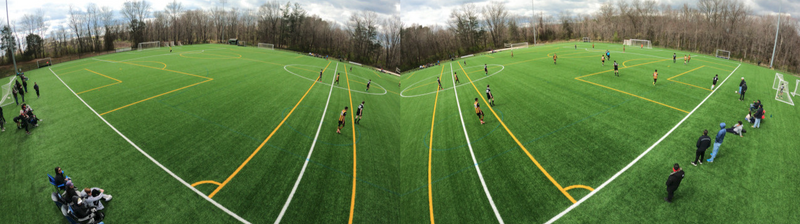
You may be tempted to cover a smaller field with a single GoPro using the widest digital lens or the Max Lens Mod. We do not recommend it. The widest horizontal field of view you can actually achieve is about 140 to 145 degrees. The 177-degree figure you may have seen advertised for the Max Lens Mod is real, but it is a diagonal measurement, not a horizontal one. To fit the whole playing surface in frame you would have to move the tripod well back from the field, and because the Max Lens Mod is limited to 4K, backing away can noticeably reduce quality — and may not even be possible depending on the field's layout.
4. You're going to need a bigger battery
In 5K mode, a GoPro records for up to about 90 minutes on its internal battery. Depending on the sport, the age group, and the chance of overtime, you may need to film for two hours or more to capture a full event. You can swap the internal batteries during a break, but that means charging and juggling several of them — and on a tournament weekend you would need a whole basket of charged batteries to get through every game.
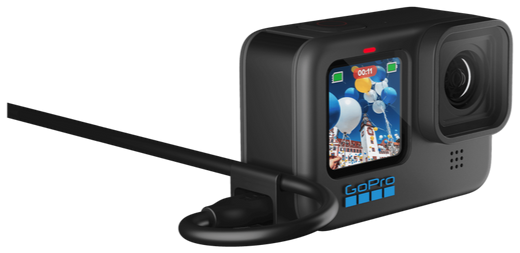
A better option is to power the camera externally. Every modern GoPro has a USB-C port, and GoPro sells a handy USB pass-through door that makes connecting an external pack easy. A single 15,000 mAh battery can run two GoPros recording in 5K for more than five hours — easily enough for two long games — so you never have to swap batteries mid-event, and charging is far simpler.
5. Or make GoPro sports videos the easy way
You may have noticed that the tips above call for a fair amount of skill with cameras and video editing, from mounting two cameras on a tall tripod to editing some very large video files afterward. If that does not sound like your idea of fun, there is an easier path — and it is the one we built SeeUsPlay to provide.
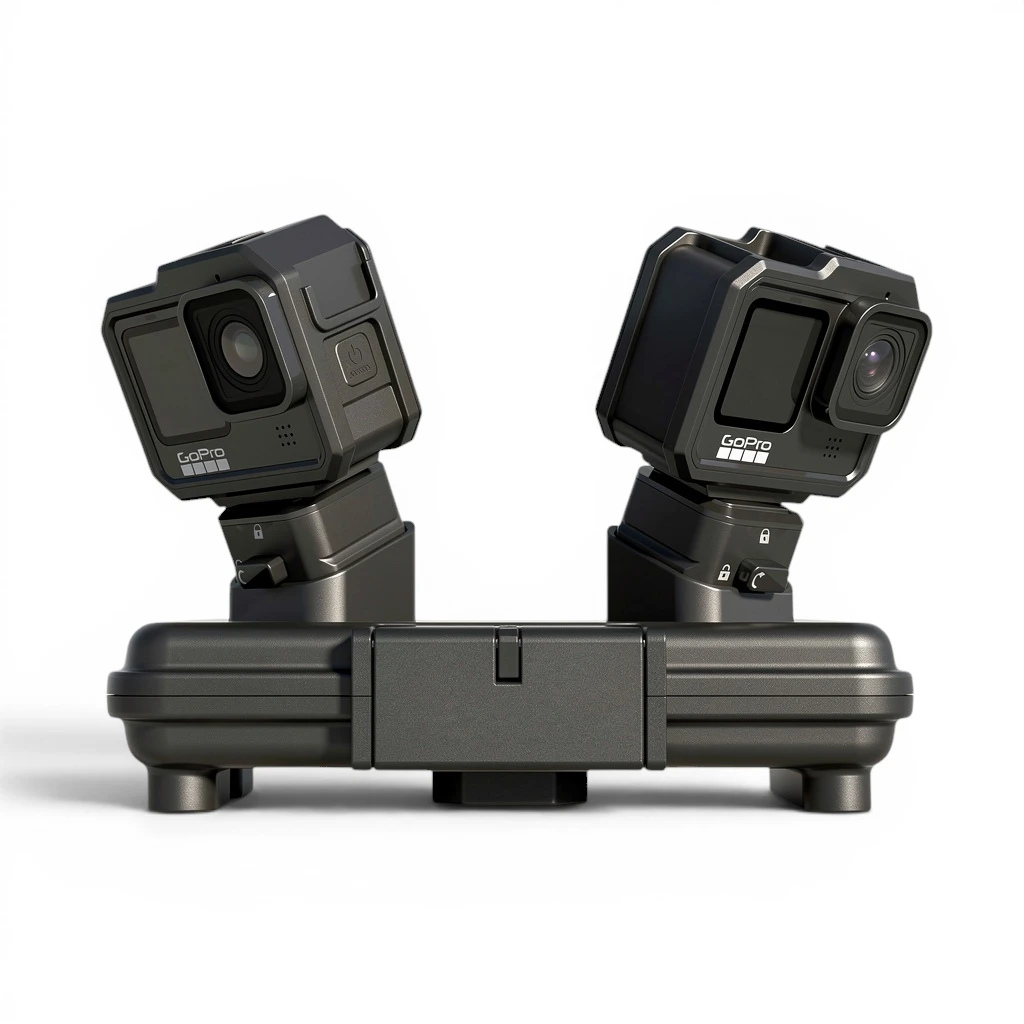
SeeUsPlay's mission is to make excellent sports video easy and affordable for youth teams, with no editing required. It uses two GoPro cameras, a Rig with an integrated battery pack that mounts them on a tripod, and an app that takes the hassle out of recording. Our Follow AI engine then turns the raw 4K or 5K footage into full-game and highlight videos that track the action automatically — and it covers soccer, American football, basketball, rugby, lacrosse, field hockey, and ice hockey, at about half the price of comparable services. If you are a GoPro fan, it is simply one more rewarding way to use your camera.
Want the high-resolution, tall-tripod, two-camera setup above without the editing work? That is exactly what SeeUsPlay automates.