Seven upgrades just went live at SeeUsPlay
This release is the largest set of changes we have shipped to date. It touches the camera hardware we support, the speed of our cloud processing, the sports our AI understands, and the apps you use to manage everything. The sections below walk through each change and explain what it means for the video you get back.
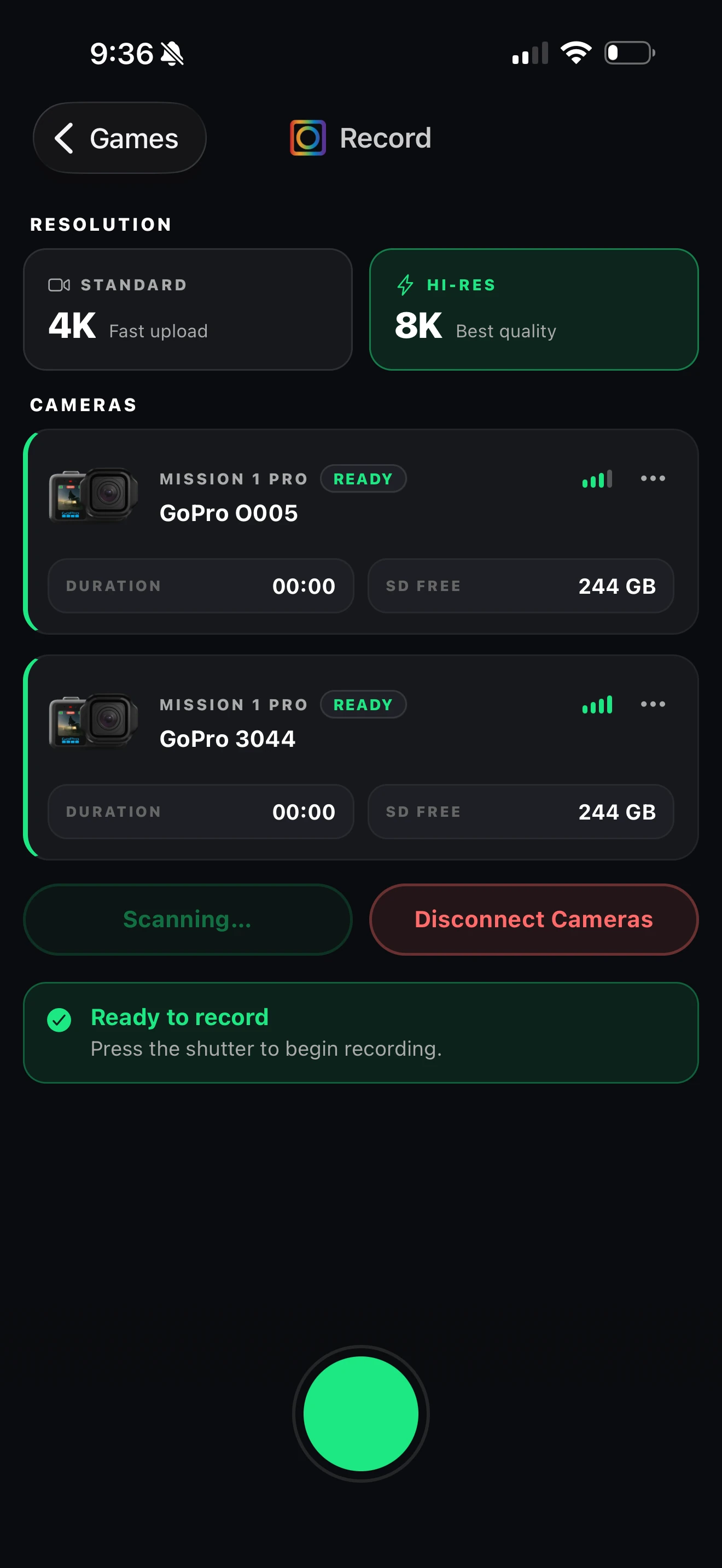
8K and the GoPro MISSION 1
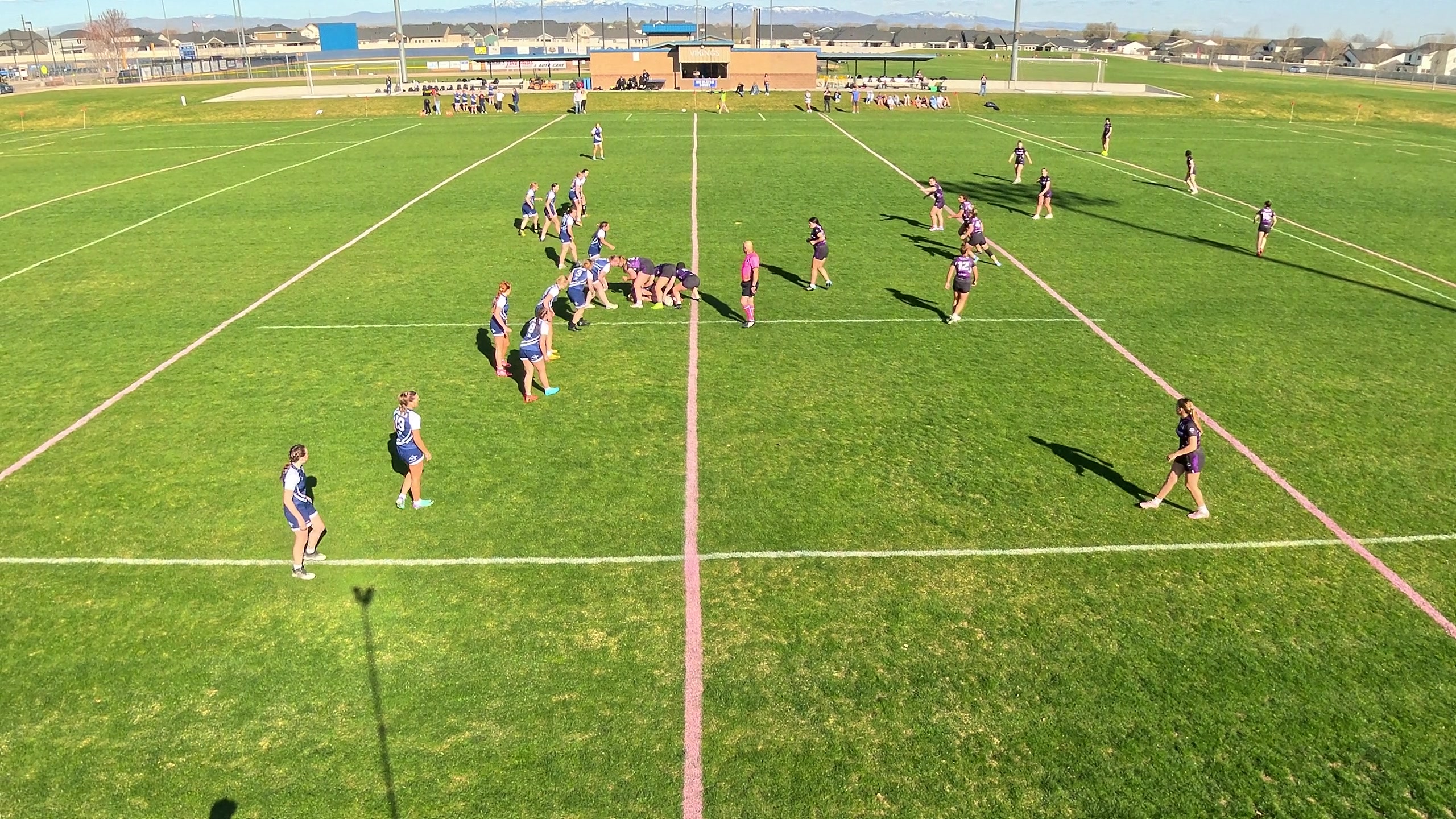
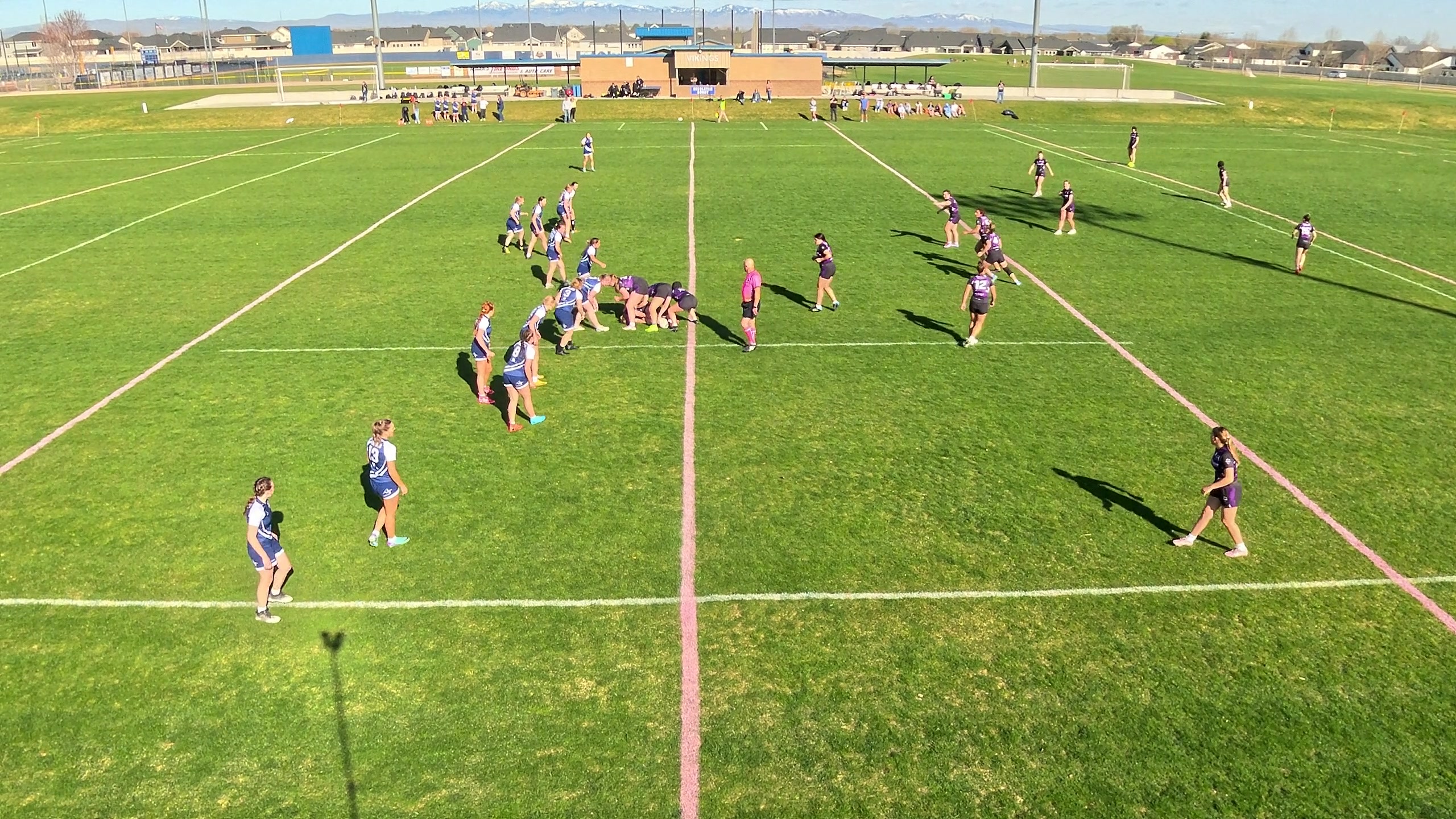
Most AI sports video so far has been filmed in 4K. The camera stays in one spot, so to follow players at the far end of the field, the video has to crop in and blow up a small part of the picture. The more it zooms, the blurrier things get — usually right where the big plays happen, down at the ends of the field.
The new GoPro MISSION 1 changes that by capturing a far bigger, more detailed picture. It records in 8K — about four times the detail of 4K — with a larger sensor that lets in more light. All that extra detail gives our AI room to zoom right in on the far sideline or the goalmouth and still keep things sharp enough to read jersey numbers. If you want the full story on what makes it such a leap, we break the camera down in the MISSION 1 deep dive.
Faster processing
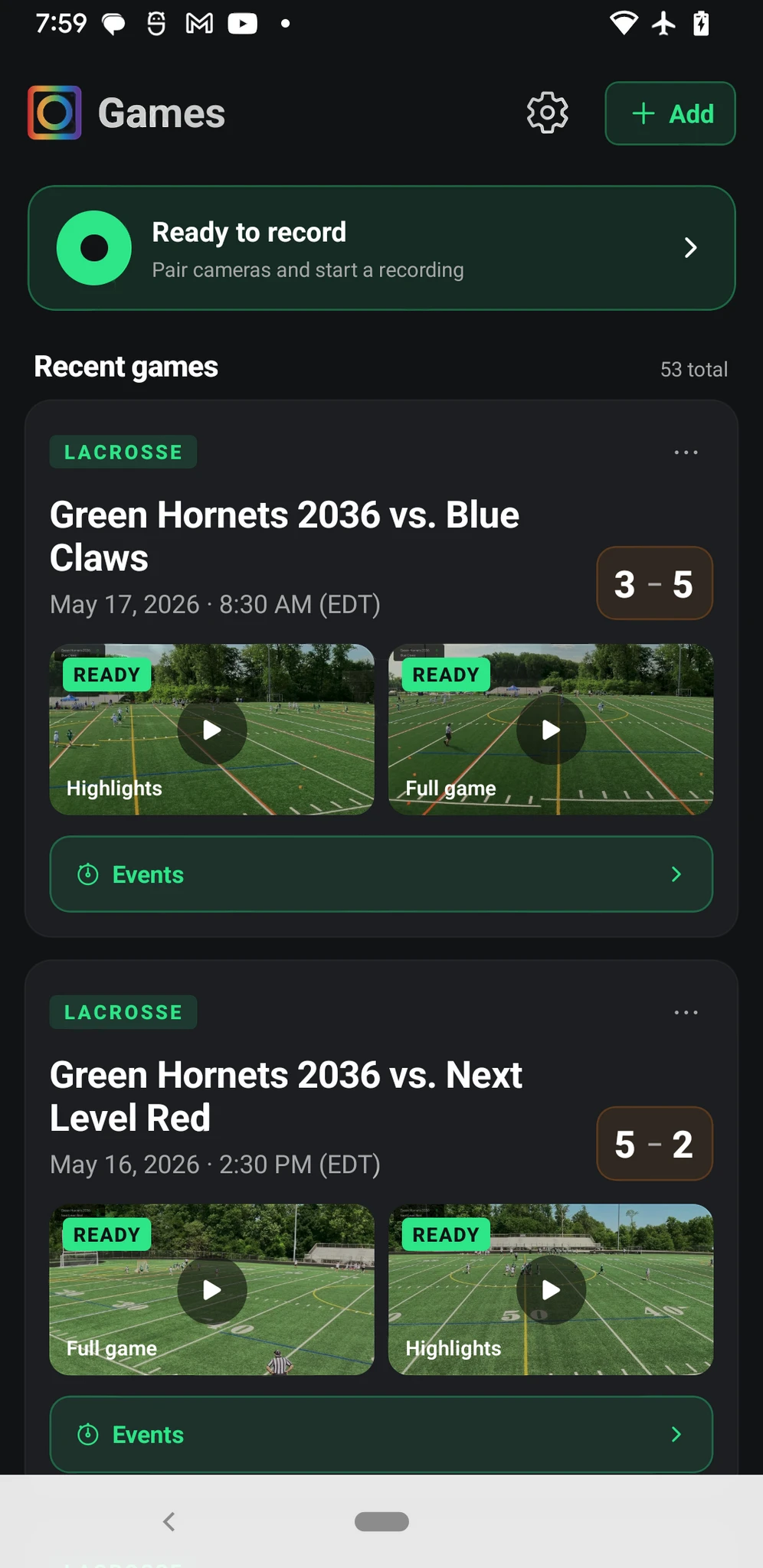
We have rebuilt the pipeline that turns your raw recording into a finished video. For footage shot in 4K and 5K, the typical turnaround is now only a few hours, which means your full-game video and highlight reel are usually ready to watch, share, and download on the same day you play. Footage shot in 8K carries far more data and therefore takes somewhat longer to process, but for most games the same-day expectation still holds.
| Resolution | Typical turnaround |
|---|---|
| 4K and 5K | 4 hours or less |
| 8K | 8 hours or less |
Baseball and softball
SeeUsPlay now supports baseball and softball. Rather than holding a single fixed frame, the AI for these sports follows the rhythm of the game and changes how it frames the field depending on what is happening:
- While the pitch is delivered, it stays tight on the diamond and the mound.
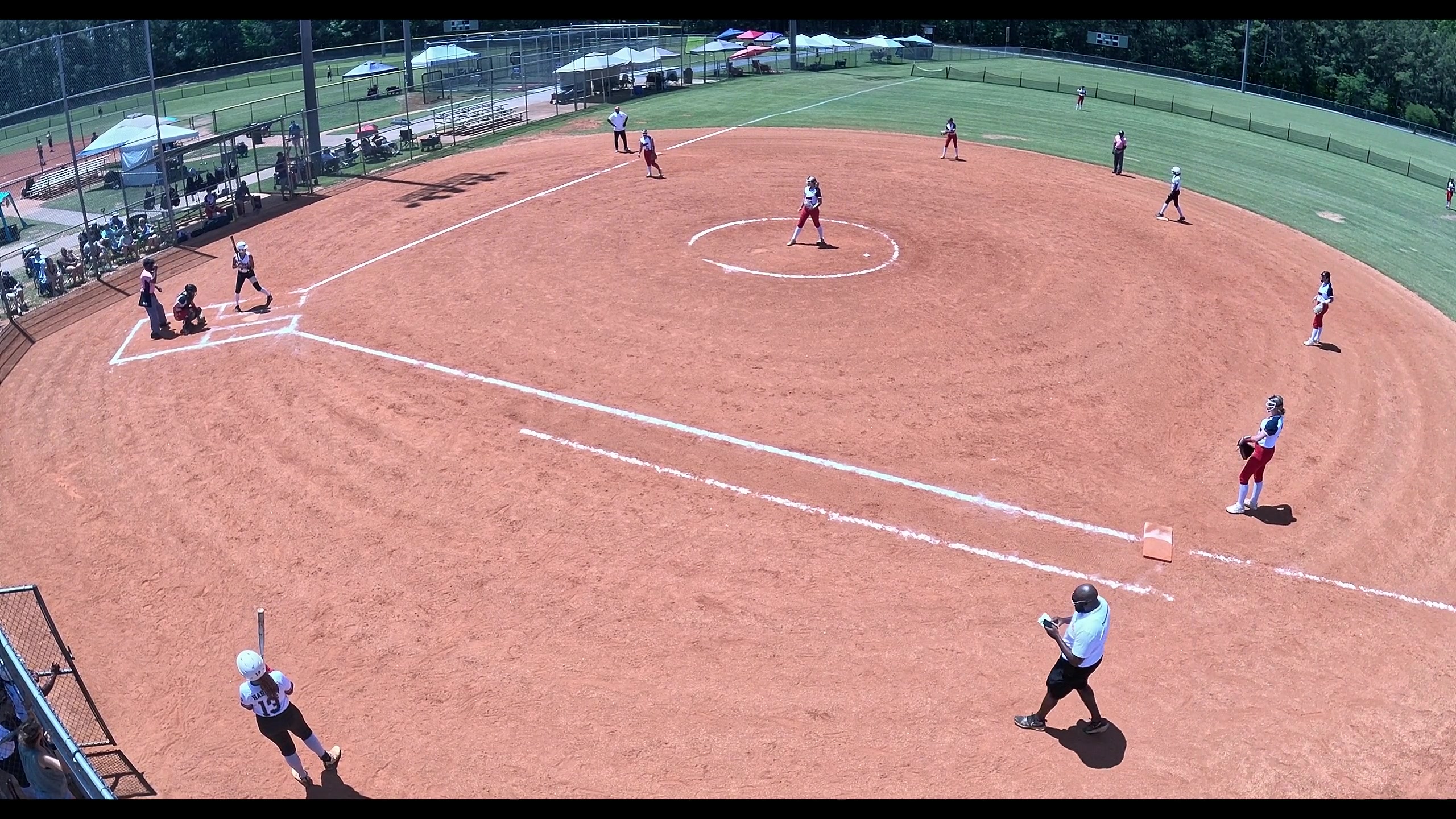
- Once the ball is in play, it widens out to follow hits into the outfield while keeping most of the bases in view.
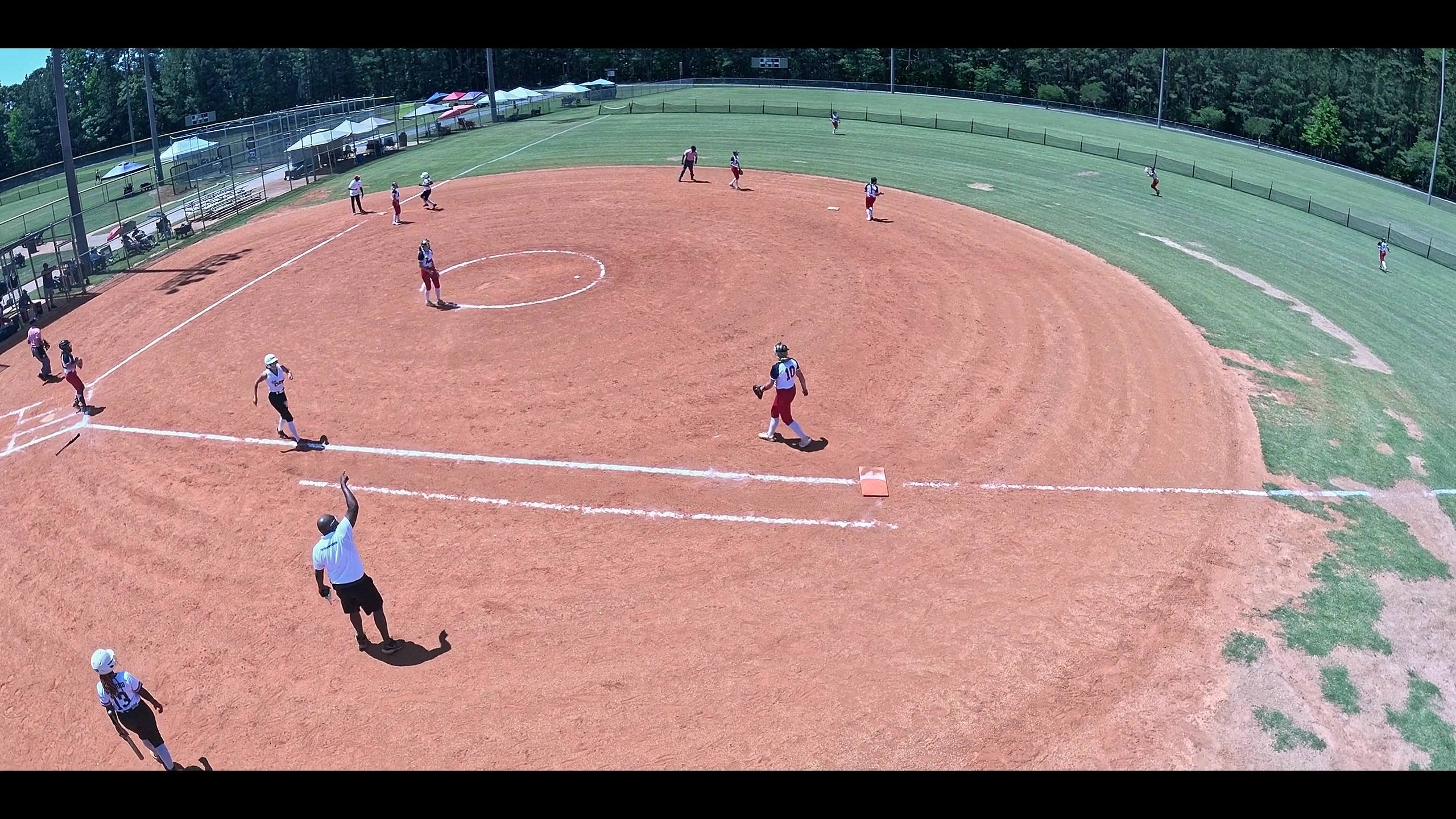
- When a runner breaks for home, it prioritizes the play at the plate, even at the expense of the outfield.
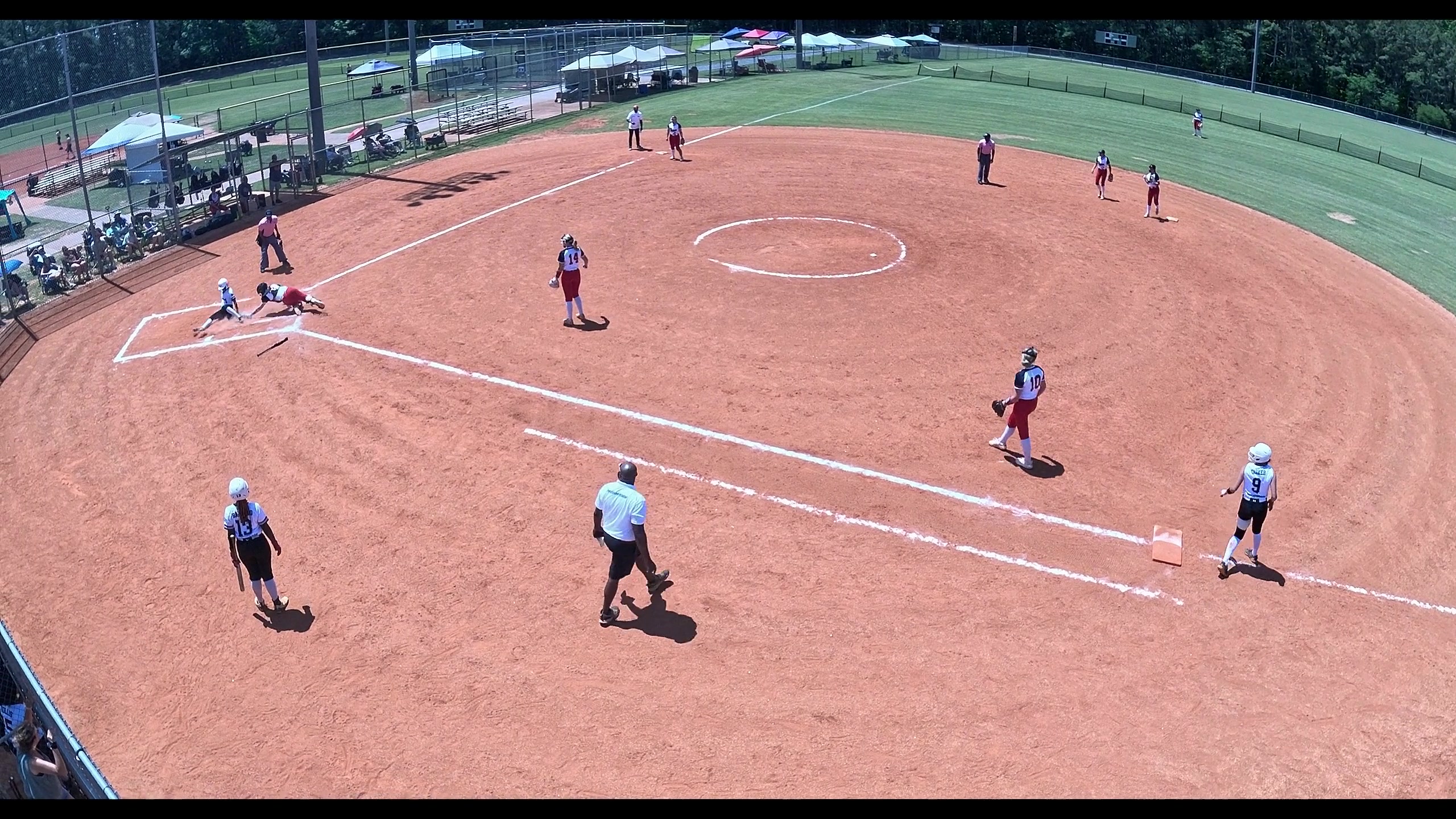
Our approach perfectly complements video captured by a camera positioned behind the home plate fence, adding a clear view of the action across the whole field to a focused view of the pitcher and hitter.
SeeUsPlay on the web
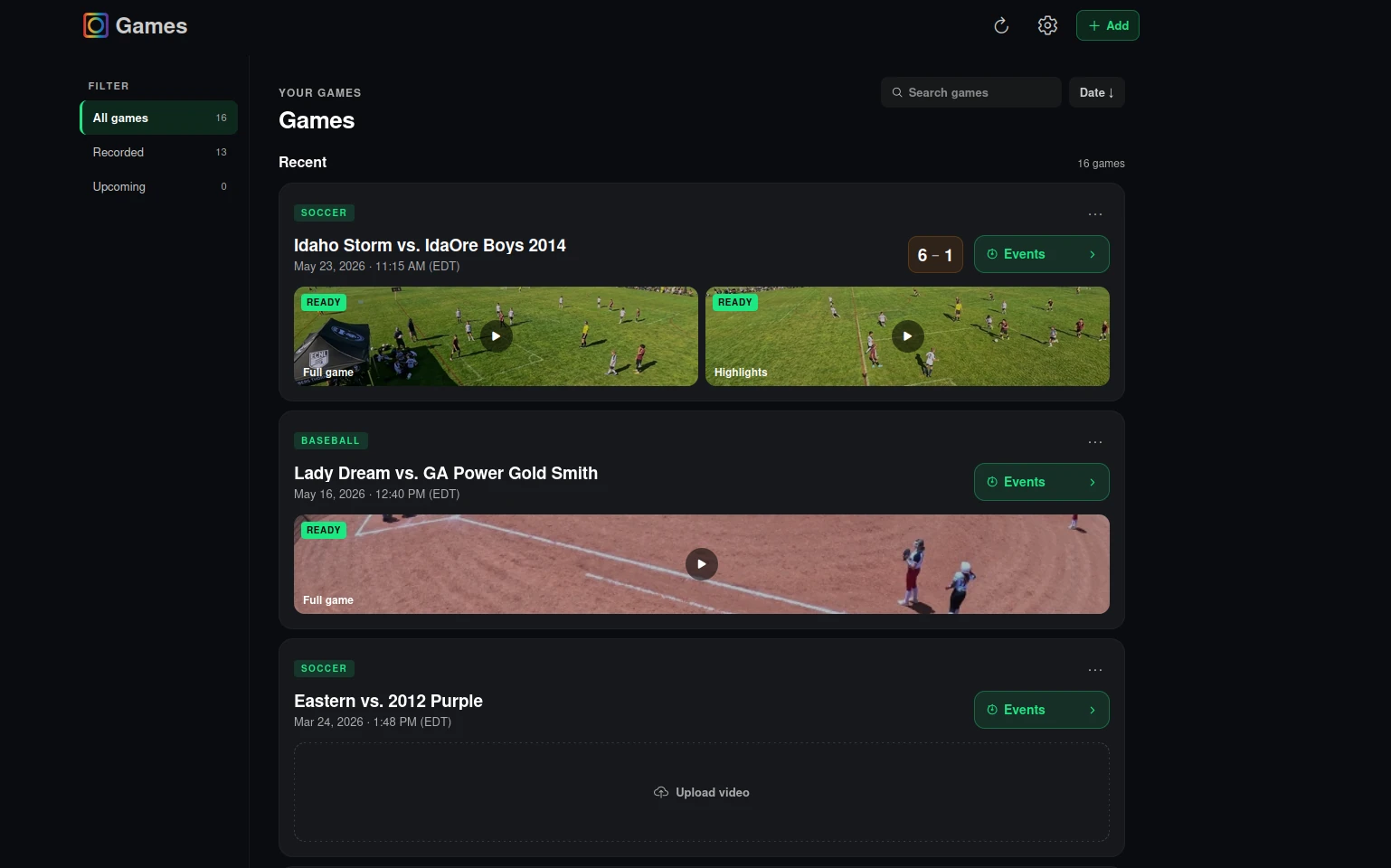
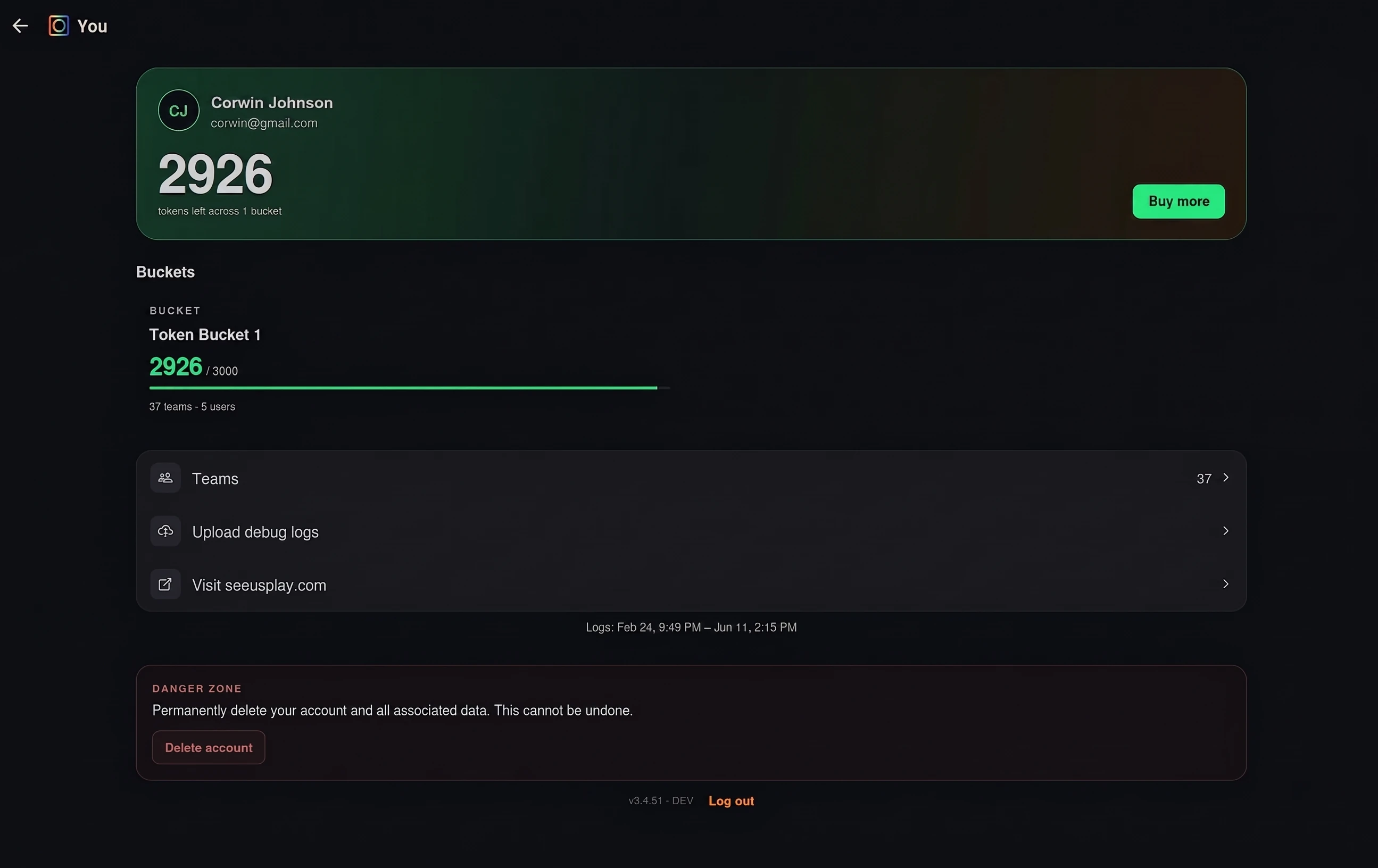
The SeeUsPlay app now runs on the desktop, in any modern web browser, with nothing to install. The web version is built for the tasks that are easier on a larger screen: you can check your token balance, schedule upcoming games, and set up and manage your teams. The mobile app remains the place to record and to manage a game as it happens; the web app complements it for the work you would rather do sitting at a computer.
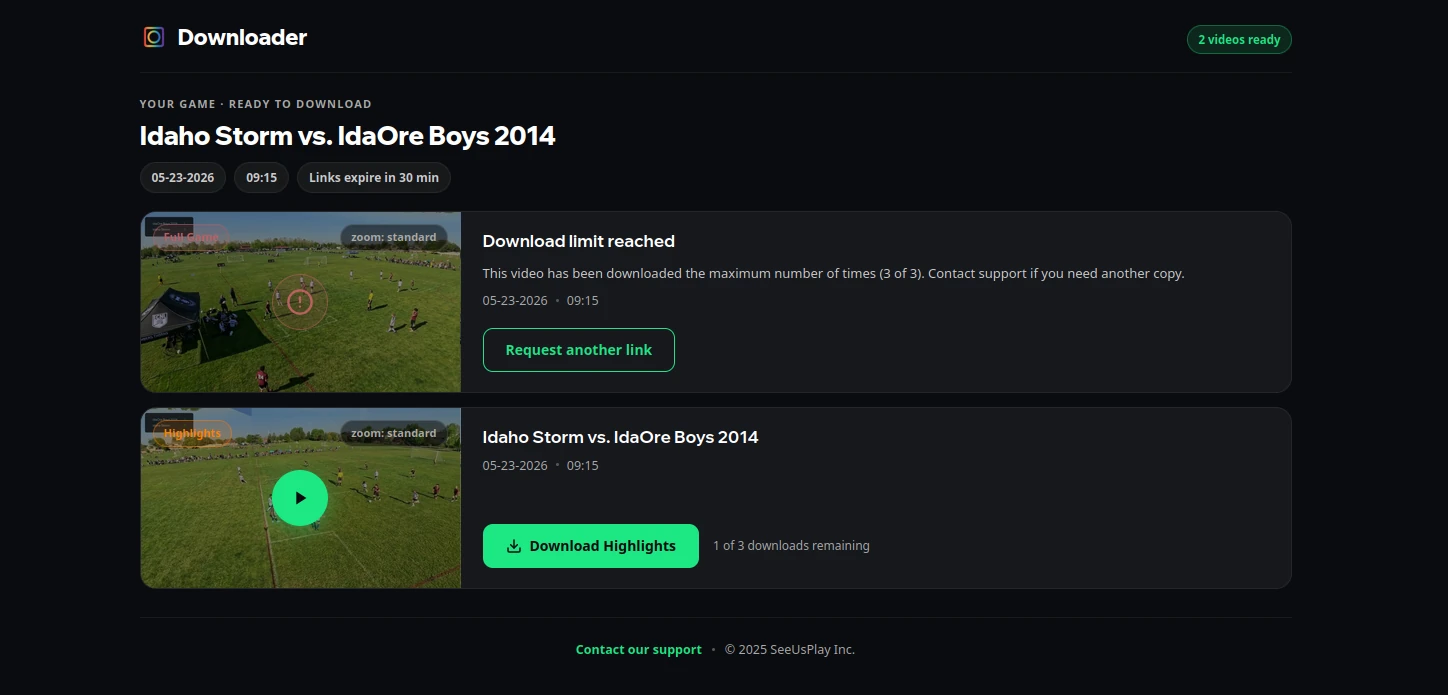
The desktop client also changes how you get video in and out of SeeUsPlay. The old model is gone: you no longer receive a separate email with an upload link for each game. Instead, you upload a game's footage directly from the games view in the desktop client. Downloading high-resolution videos now works the same way — open the game in the games view and download it there, rather than hunting through your inbox for the right link.
A rebuilt mobile app, with custom zoom
We have rebuilt the mobile app from the ground up. The navigation is cleaner and the app is faster, but the most significant addition is custom zoom. When you create a game, you can now choose how tightly the AI frames the action. A lower zoom level produces a wider, more tactical view that shows formations and spacing; a higher level pushes in closer to the ball. Each level you select is rendered as its own separate video, so you can request several framings of the same game.
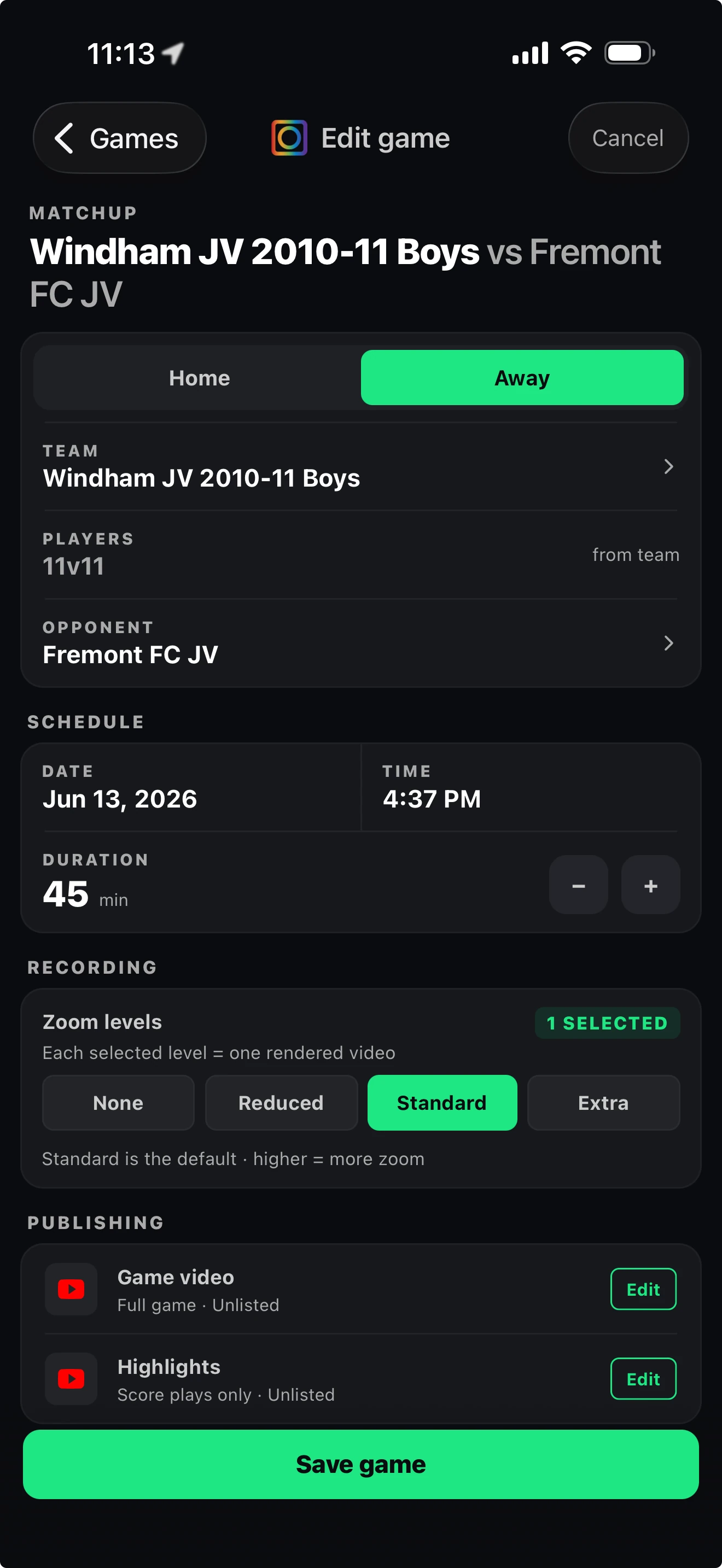
| Zoom level | What you get |
|---|---|
| No zoom | The widest, most tactical view of the field |
| Reduced | A wider frame that still follows play |
| Standard (default) | The balanced framing footage has always used |
| Extra zoom | The tightest view, closest to the ball |
Standard zoom remains the default, so your footage will look the way it always has unless you choose otherwise.
One login for everything
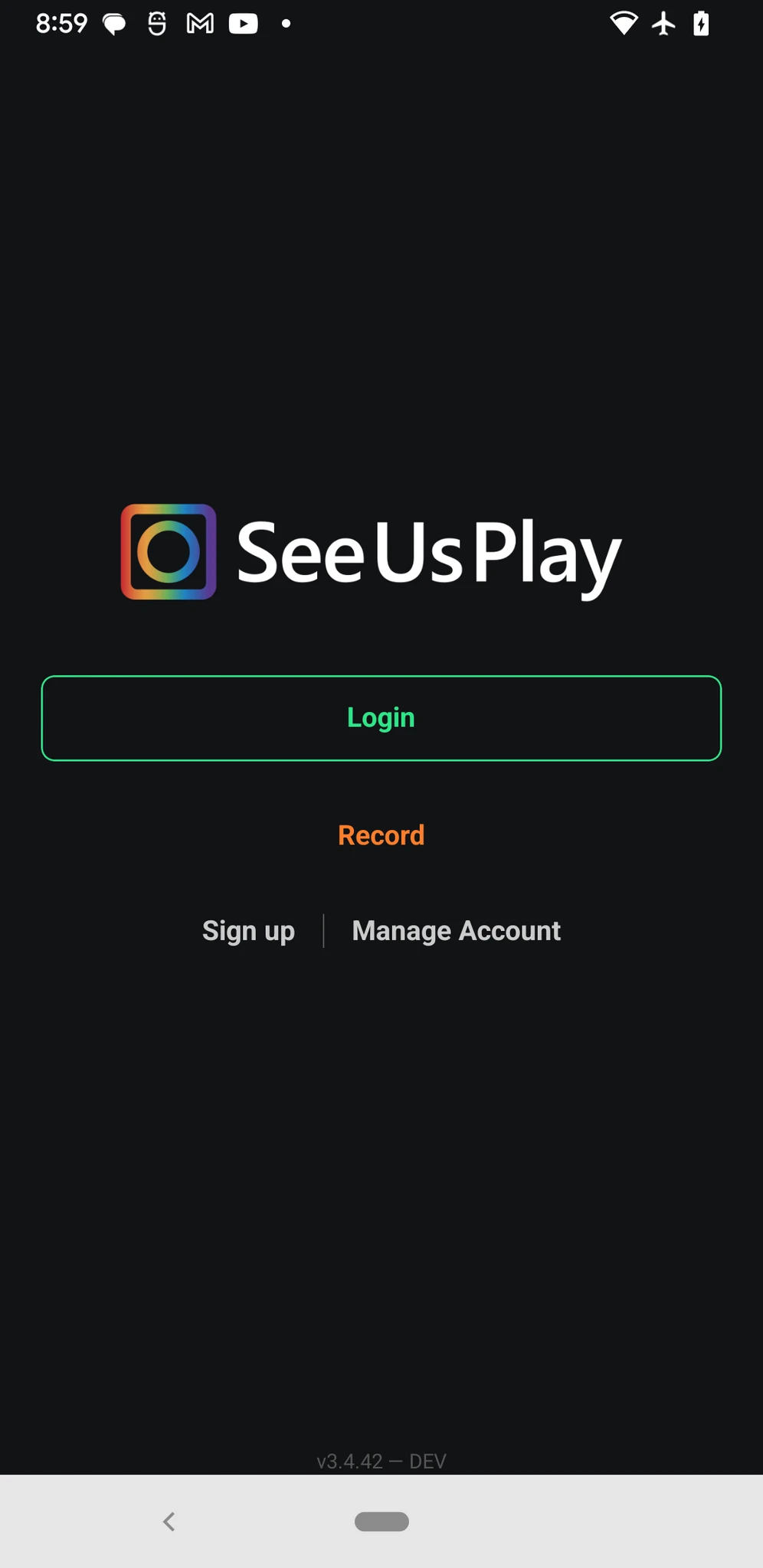
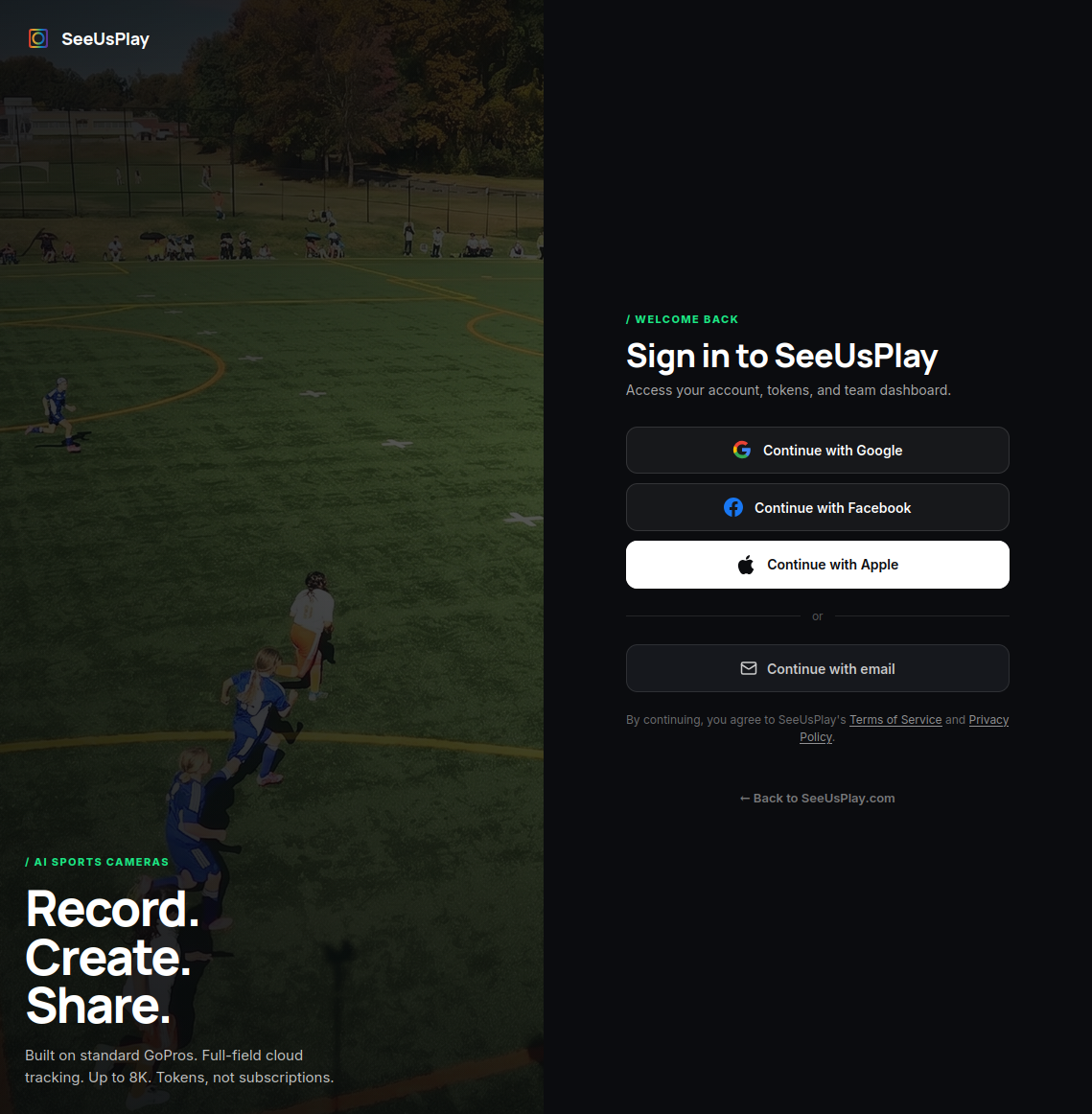
SeeUsPlay previously ran two separate account systems — one for the mobile app and one for the website admin tools — which meant creating and maintaining two sets of credentials. We have now merged them into a single login that works everywhere across SeeUsPlay. You can sign in with Google, Facebook, Apple, or an email address.
If you are an existing user, your website admin login will work in the app, provided the email address on your web and admin account matches the email on your app account. If you are not sure whether they match, contact support. All of your existing user and admin data is preserved.
Documentation online
Every SeeUsPlay guide is now published online at docs.seeusplay.com, covering the whole journey from unboxing your Rig to sharing your first video. Three guides divide the material:
- Setup Guide — assembling the Rig, mounting your GoPros, and getting ready for game day.
- User Guide — recording a game, tagging events, and creating and sharing your full game and highlights.
- Application Guide — every screen in the app explained, from signing in to teams, tokens, and YouTube.
Everything described here is live today. Update to the latest version of the app to start using it, and visit the documentation if you would like a step-by-step walkthrough.